Image to Spine 2D animation
AI Spine 2D animation: prompt or picture in, rigged character out.
Slots & games. Templates: idle win land walk attack…
Image to 2D animation in one step: describe a character or drop your art, and the auto rig gives you bones, weighted meshes, physics and ready animations, exported for Spine 4.2.
Two ways to start: generate a character from a prompt — or upload your own art (PNG, JPG or WebP).
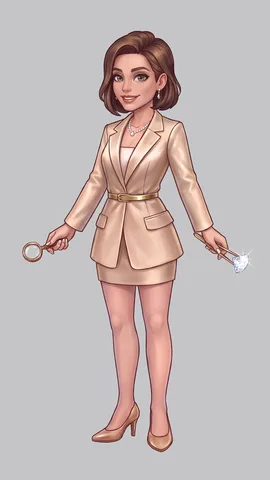
This character is a real rig, rendered live in your browser.
Auto rig any 2D character from one image
Your results appear here
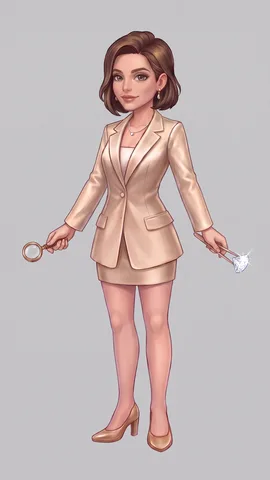
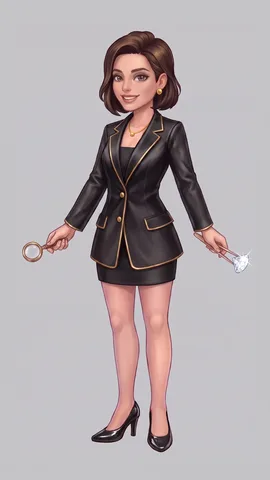
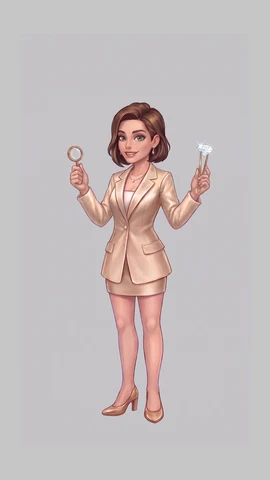
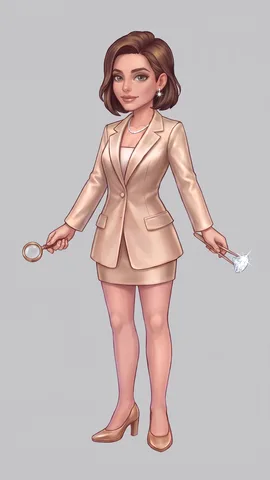
- Poses
- Layers
- Rig
- Animation
- 1 · Describe
- 2 · Pick a variant
- 3 · Choose a template
Slots → Mascot → Win
- 4 · Make animation
Poses → Layers → Rig → Animation · ≈ 120 tokens (example pricing)
- 5 · Download
Spine 4.2 export: skeleton.json + skeleton.atlas + PNG page.
Templates: idle, win, walk, attack…
One object, nine template animations, rendered live by the Spine 4.2 runtime. Characters get idle, win, walk, attack and more.
Image to 2D animation for slots and games
Two categories. Every template is tuned for where the animation will live.
Slots
idle win big win bonus
idle land win dissolve anticipation (scatter)
Games
idle walk run jump attack hit death emotions
appear open collect explode
Templates vs custom prompt
Templates
Proven motion sets with fixed timing, loop-perfect idles and clean returns to the first frame. Predictable result, fixed price.
Custom prompt
Describe any motion in your own words.
Quality is not guaranteed for custom prompts (unlike templates); edits are paid in tokens.
Prompt or image to Spine — no manual rigging
Write a prompt or drop your image. What you get back:
skeleton.json + skeleton.atlas + PNG texture pages, straight alpha.
Bodies bend on bones instead of sliding as stiff cut-outs.
Hair, earrings and hems follow the motion with physics constraints.
Loop-perfect idle; win returns to idle's first frame for seamless chaining.
Download the example export (12 MB) · Using a Spine Runtime in your product requires your own Spine license.
FAQ
What is Animate4Me?
Animate4Me is an AI 2D animation tool: it turns one image or a text prompt into a rigged, animated character or object and exports it in the Spine 2D format (Spine 4.2 JSON + atlas + PNG pages). It is built for slot games and 2D games.
Can I auto rig a 2D character online?
Yes. Drop one picture of your character in the browser; Animate4Me splits it into parts, paints in the hidden areas, places the bones and builds weighted meshes and physics. You do not rig anything by hand.
Can I use my own image, or only a prompt?
Both. Describe a character in a prompt, or upload your own image (PNG, JPG or WebP). The result is a ready Spine 2D animation: skeleton.json, skeleton.atlas and the texture pages.
Do I need a Spine license?
The exported files are yours. To play them inside your own product with an official Spine Runtime you need your own Spine license from Esoteric Software, the same as for any Spine export.
How much does it cost?
You pay in tokens: a template animation and each custom edit cost a set number of tokens. Prices shown on this site are example pricing while the product is in demo.
Is it a Spine alternative?
It is not a replacement for the Spine editor. Animate4Me produces Spine-format files for you, so for template animations you do not need to open an editor at all; if you own the editor you can import the JSON and keep editing.
Do you export Live2D?
Not yet. Today the export is Spine 2D: Spine 4.2 JSON + atlas + PNG pages.
Which game engines can use the export?
Any engine with a Spine 4.2 runtime: PixiJS, Phaser, Unity, Godot, Unreal, Cocos and plain web players among them.